
Ubersuggest vs Semrush: Which SEO Tool Is Better for Beginners?
If you’re choosing your first SEO tool, start with a job you expect to do again next month. A blogger looking for the next article topic has different needs from a business owner tracking three websites. Both Ubersuggest and Semrush can help you find keywords, look at competitors, and monitor your site. The choice comes down to how many sites you manage, how often you need fresh data, and which limits you’re likely to hit.
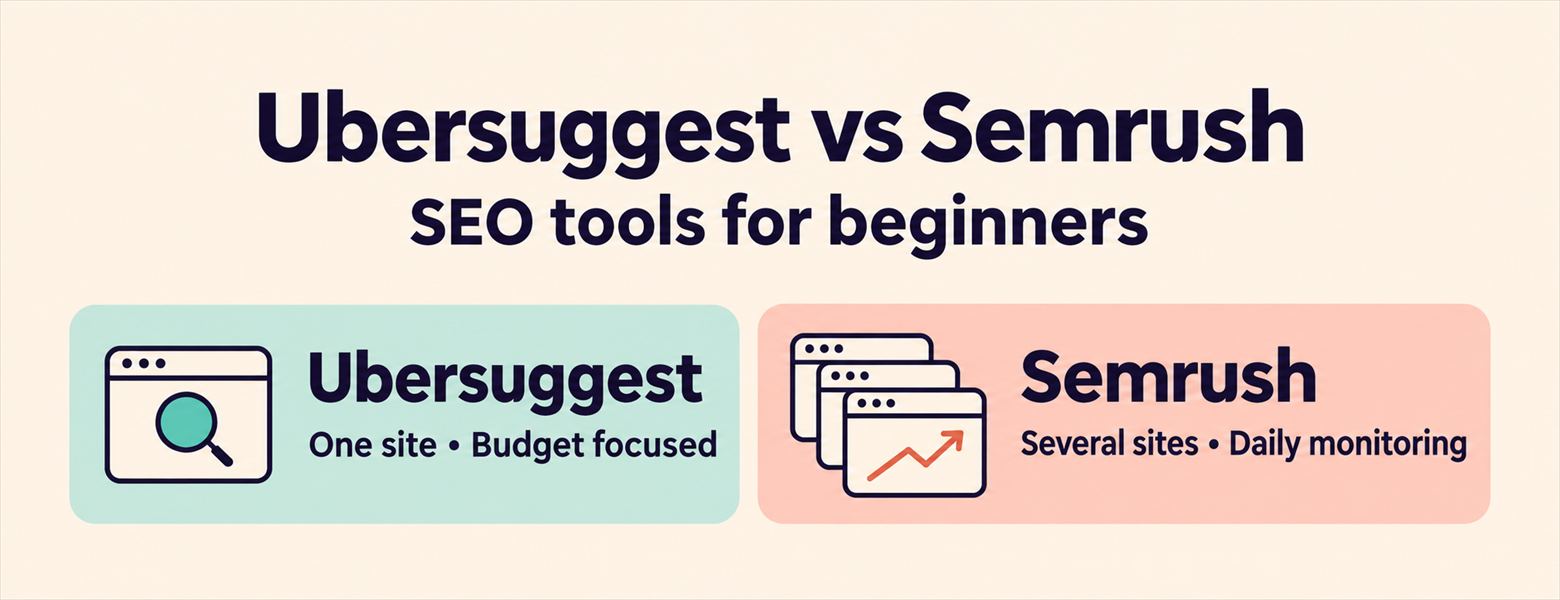
For most beginners managing one site, start with Ubersuggest, especially if you want keyword ideas and a weekly view of your rankings with a lower advertised entry price. Consider Semrush if you regularly compare competing websites or need daily rank updates across several sites. Both offer free access, so you can try a real task before picking a subscription. Ubersuggest plans · Semrush plans
Quick verdict by budget and workflow
One blog or small-business website
Say you run a gardening blog and publish twice a month. Your next decision is whether to write about growing herbs on a balcony or setting up a small container garden. A few rounds of keyword research, a look at the pages already appearing in search, and a short list of terms to monitor can be enough to get moving. Start with a free account. Consider paying once you regularly run into the daily research limit or want to track more keywords than the free account allows. Ubersuggest free account limits
For a small business, the first task might be narrowing down the language customers use for one service. A bicycle repair shop could compare ideas around “bike tune-up” and “bicycle repair” before deciding what its service page should explain. If you mainly want a weekly view of your position for a handful of terms, Ubersuggest is a reasonable starting point. Check location and device settings if local or mobile results matter to you. Ubersuggest plan comparison
Several websites or recurring competitor research
Consider Semrush if you’ll compare competing domains every week or want daily position updates across several websites. An owner managing three store websites might need to spot which domain lost visibility for an important service term, then look for gaps in each site’s coverage. Semrush’s public SEO plan lists up to five monitored sites and up to 500 keywords tracked daily across the plan. Semrush also documents Keyword Gap for comparing keyword profiles across domains. If you need a specific Keyword Gap report, check its availability on the plan you’re considering. Semrush pricing · Keyword Gap documentation
Ubersuggest vs Semrush pricing and free plans
The figures below come from vendor pages checked November 14, 2026 and are in US dollars. Compare monthly billing with monthly billing. When a page quotes a monthly equivalent for an annual subscription, check what you would pay at checkout and when the plan renews.
| Pricing question | Ubersuggest | Semrush |
|---|---|---|
| Can I start free? | Yes, with a limited free account. | Yes, the public Free tier shows $0. |
| What does the public page advertise for paid access? | US$29–$99 advertised range. Current checkout prices for the individual tiers were unavailable for verification. | SEO $139/month, Starter $199/month, and Pro+ $299/month on monthly billing. Advanced is listed at custom pricing. |
| What about a longer commitment? | Annual subscriptions and limited-time lifetime offers are documented. Confirm the total and included features for the offer available to you. | Annual billing shows $117.33/month equivalent for SEO, $165.17 for Starter, and $248.17 for Pro+. |
Ubersuggest public pricing · Ubersuggest billing options · Semrush public pricing
Ubersuggest free, monthly, annual, and lifetime options
Ubersuggest documents a free account with three searches or reports per day and one project. It can track up to 25 keywords with weekly desktop updates and audit up to 150 pages weekly. Those limits can be enough to research a single article or start monitoring a small site. The vendor also advertises a separate seven-day trial for monthly subscriptions. Ubersuggest free account limits · Ubersuggest pricing
Ubersuggest says prices vary by location. If you see a lifetime offer, check which tier it covers and which features are included for your site. The pricing FAQ says lifetime purchases are nonrefundable. If you’re new to SEO tools, try the tasks you expect to repeat before committing upfront. Ubersuggest pricing · Regional pricing guidance · Billing options
Semrush Free, SEO, and SEO + AI Search plans
Semrush’s public pricing page lists a free tier with a demo project and 10 reports per day across supported tools. It says the free tier requires no credit card. Each tool can have its own limits on what a free account can view or export. If exporting a shortlist is part of your regular workflow, check that before upgrading. Semrush pricing · Keyword Magic Tool limits
Semrush’s public pricing page labels its entry paid plan SEO. Its help center separately lists SEO Toolkit Pro at $139.95 per month. When comparing a specific allowance, match the name and terms to the offer you see. Checkout access to particular reports, exports, and crawl quotas is still unverified. Semrush public pricing · SEO Toolkit help
How the tools compare on everyday SEO tasks
Use the free-access row to decide where to experiment. Use the remaining rows to compare what Ubersuggest Individual and Semrush SEO advertise for recurring work.
| Task | Ubersuggest | Semrush |
|---|---|---|
| Try it for free | Free account: One project, three searches or reports per day, and up to 25 keywords tracked weekly on desktop. Free account limits | Free tier: One demo project and 10 reports per day across supported tools. No credit card required. Semrush pricing |
| Generate ideas | Individual: Keyword suggestions and bulk analysis of up to 50 keywords at a time. Ubersuggest pricing | SEO: The public plan lists basic keyword research. Semrush pricing |
| Research competitors | Individual: Five tracked competitors per project, with reports on top pages, keywords, and backlinks. Ubersuggest pricing | SEO: The public plan lists basic competitor analysis. Confirm access to any specific reports you need. Semrush pricing |
| Track rankings | Individual: One project and up to 125 keywords tracked weekly. Ubersuggest pricing | SEO: Up to five monitored websites and up to 500 keywords tracked daily across the plan. Semrush pricing |
| Find site issues | Individual: Up to 1,000 pages per weekly audit report. Ubersuggest pricing | SEO: Site Audit is listed. Confirm the crawl allowance for your checkout offer. Semrush pricing |
Keyword ideas, search intent, and difficulty
Ubersuggest’s Keyword Ideas reports are a starting point when you have a topic and want to see related phrases and questions. Semrush documents Keyword Magic Tool for grouping related terms and narrowing results by intent. If you’ll rely on specific filters or exports, confirm their availability before buying. In either tool, look at the actual results for promising terms. If the results mostly show tutorials, an instructional page may fit better than a product page. Use difficulty scores and estimated search volume as inputs to that decision. Ubersuggest keyword research guide · Semrush Keyword Magic Tool manual
Competitor keywords and backlinks
Pick a competitor that appears for a search your readers or customers would make. In Ubersuggest, look at the competitor’s top pages and keywords to see what it covers. In Semrush, use Keyword Gap where available to find terms a competing site appears for and yours may be missing. A backlink report can then help you see which sites link to comparable resources. Keep only ideas you can serve well. A competitor’s popular page may address a different audience or sell a service you don’t offer. Ubersuggest plan comparison · Semrush Keyword Gap
Rank tracking and site audits
Rank tracking follows the positions of selected keywords over time. A site audit checks pages for issues you may need to fix. Start by tracking terms tied to pages you can improve and reviewing audit findings that affect important pages. A weekly check can fit a small site on a steady publishing schedule. Daily tracking is more useful if you have a reason to respond quickly, such as monitoring the pages affected by a site migration. Semrush Site Audit guide · Ubersuggest Site Audit guide · Semrush Position Tracking
Try the same first-week tasks in both tools
Turn one seed keyword into a shortlist
Imagine you run a gardening blog and want to publish a guide about growing herbs in a small space. Enter “balcony herb garden” in both tools and select the same target country where available. Look for ideas around starting a garden, picking containers, and working with limited sunlight. Those are example angles to investigate. Save a small shortlist, then look at the search results to decide which questions belong in one guide and which could support their own pages.
A useful outcome is one page idea you can explain in a sentence, such as a beginner’s setup guide for a balcony that gets only a few hours of light. If the free allowance gets you that far each time, keep using it. For help finding the relevant reports, see the MySEOKeywords Ubersuggest review and guide and the MySEOKeywords Semrush overview.
Review one competitor and set up monitoring
Pick one site that appears for a shortlisted search. Review its page and note a question it leaves open. If a guide covers containers but barely mentions watering on a windy balcony, consider addressing that specific concern in your own guide. Add a few relevant terms to tracking where your plan allows. Review the same terms over several updates before deciding whether you need more frequent reporting. Keep a note with the date, target location, and next action. If the results gave you a page to improve, write down what you’ll change. If you ran into a usage limit, write down which report or allowance you needed. That gives you a concrete reason to stay on the free account or compare paid plans.
Frequently asked questions
Can I use Ubersuggest and Semrush for free?
Yes. Try Ubersuggest’s free account if you want to monitor a small set of desktop rankings for your own site. Try Semrush’s Free tier if you want to explore supported reports and a demo project. Start with the same keyword in both, then check whether you can see enough results and save what you need. Ubersuggest free account · Semrush pricing
How does a free account differ from a trial?
A free account gives you a limited set of tools. A trial gives eligible users time-limited access to a paid offer. Before starting a trial, check which plan it covers, the date it ends, the first charge, and how to cancel. Set yourself one task to finish during the trial, such as checking whether an export contains the fields you need. Ubersuggest pricing and billing FAQ · Semrush trial information
Is the Ubersuggest lifetime option worth it?
Consider it after you’ve used the tool enough to know which features and limits you need. If a lifetime offer appears at checkout, divide the one-time cost by what you would otherwise spend each month for comparable features. That gives you a rough break-even point. Check whether you expect to be using the same features and allowances that far out. Availability and account-specific pricing remain unverified. Ubersuggest pricing and billing FAQ
What is the difference between Semrush SEO and Starter?
The public SEO plan lists basic keyword research and competitor analysis, Position Tracking, Site Audit, and some AI visibility features. Starter advertises the same limits of five monitored sites and 500 keywords tracked daily, and lists up to 50 prompts tracked daily and 300 AI visibility reports per day. If website and keyword tracking are your main reasons to subscribe, those advertised allowances are the same on both plans. If a particular AI report would justify the upgrade, confirm its availability and limits in your checkout offer. Semrush public pricing
Does a beginner need daily rank tracking?
For a new blog publishing a few times a month, a weekly review is a reasonable default. Daily results can help when you’re watching a time-sensitive change and have a plan for what to do if positions move.
Why do the tools show different keyword numbers?
Search volume is an estimate. Difficulty is a score based on the provider’s own data and method. Use each tool’s numbers to sort and compare ideas, then review the actual search results in your target market. Ubersuggest keyword guide · Semrush Keyword Overview
Which tool should you choose?
Start with Ubersuggest if you manage one site, have a limited budget, and can make decisions with a weekly view of your rankings. Choose Semrush if multiple sites, daily updates, or regular competitor keyword comparisons are already part of your work. If you’re undecided, try the same seed keyword and competitor in each free account. Pick the tool that helps you choose your next page to create or improve, and upgrade when a specific limit regularly gets in your way.